
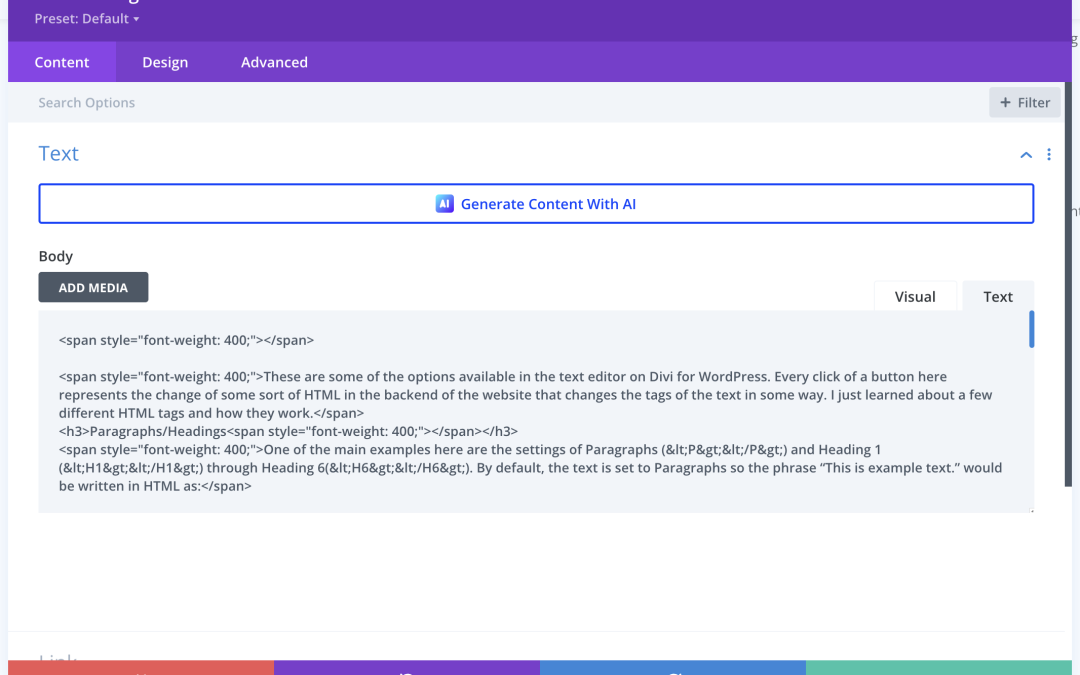
Did you know that when you format your text in WordPress you may be adding or changing the HTML in your page?
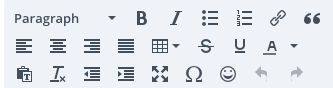
These are some of the options available in the text editor on Divi for WordPress. Every click of a button here represents the change of some sort of HTML in the backend of the website that changes the tags of the text in some way. I just learned about a few different HTML tags and how they work.
Paragraphs/Headings
One of the main examples here are the settings of Paragraphs (<P></P>) and Heading 1 (<H1></H1>) through Heading 6(<H6></H6>). By default, the text is set to Paragraphs so the phrase “This is example text.” would be written in HTML as:
<P>This is example text.</P>
However, if I clicked the button and switched it to Heading 1, the tags would change to:
<H1>This is example text.</H1>
Links
Another option here is the hyperlink. This could change text like:
<P>This is a link</P>
To:
<P><A href=”https://link.com”>This is a link</A></P>
Lists
Lastly, there are ordered and unordered lists, which would turn HTML like this:
<P>Grocery List:</P>
<P>Eggs
Cheese
Milk </P>
Into this:
<P>Grocery List:</P>
<UL>
<LI>Eggs></LI>
<LI>Cheese></LI>
<LI>Milk></LI>
</UL>